Getting Started Setup Guide
Step-by-step walkthrough: download the extension, install it in your browser, and connect it to your account.
Part 1 — Download the Extension
Get the extension zip file from your Account Settings page.
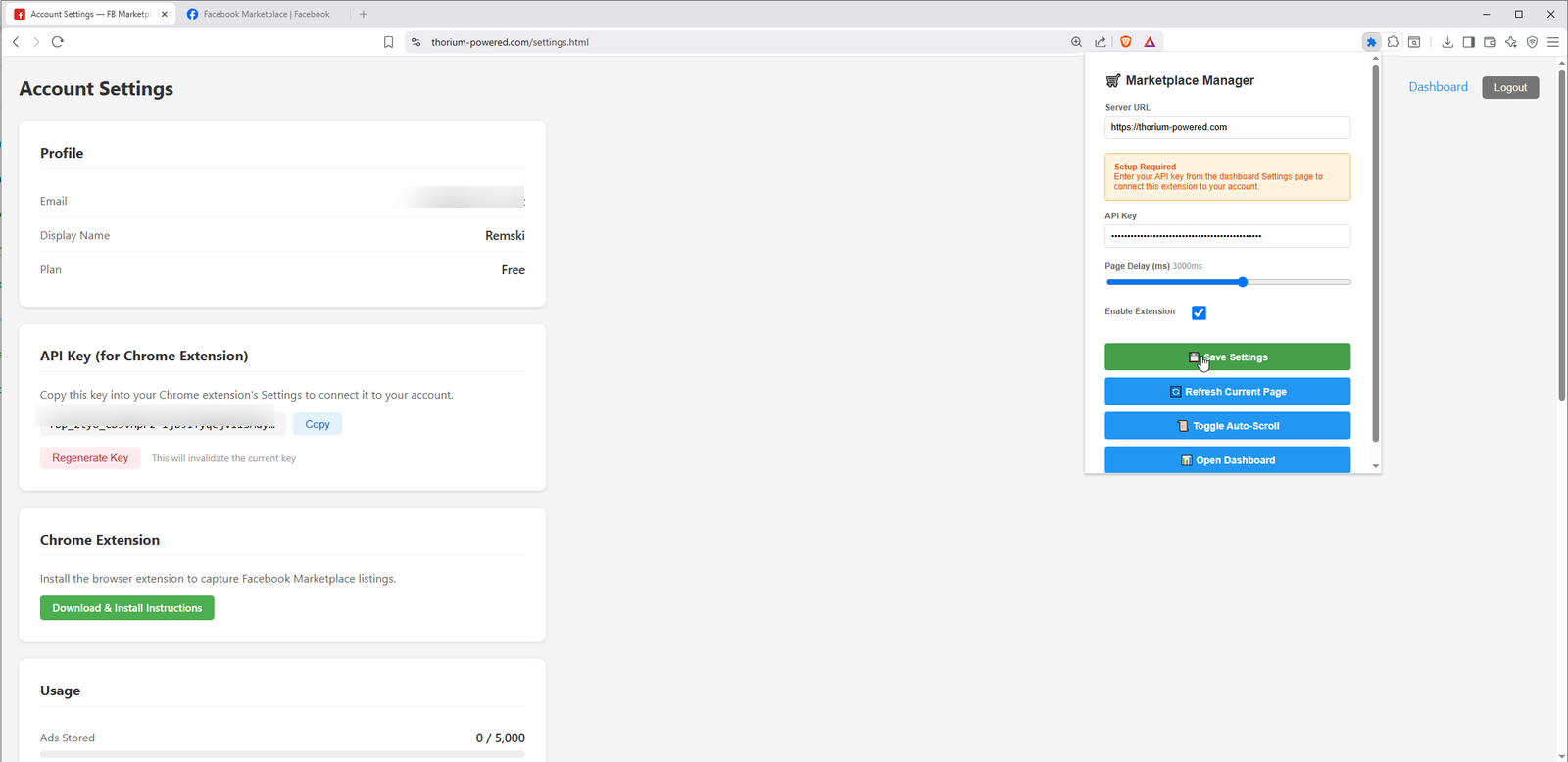
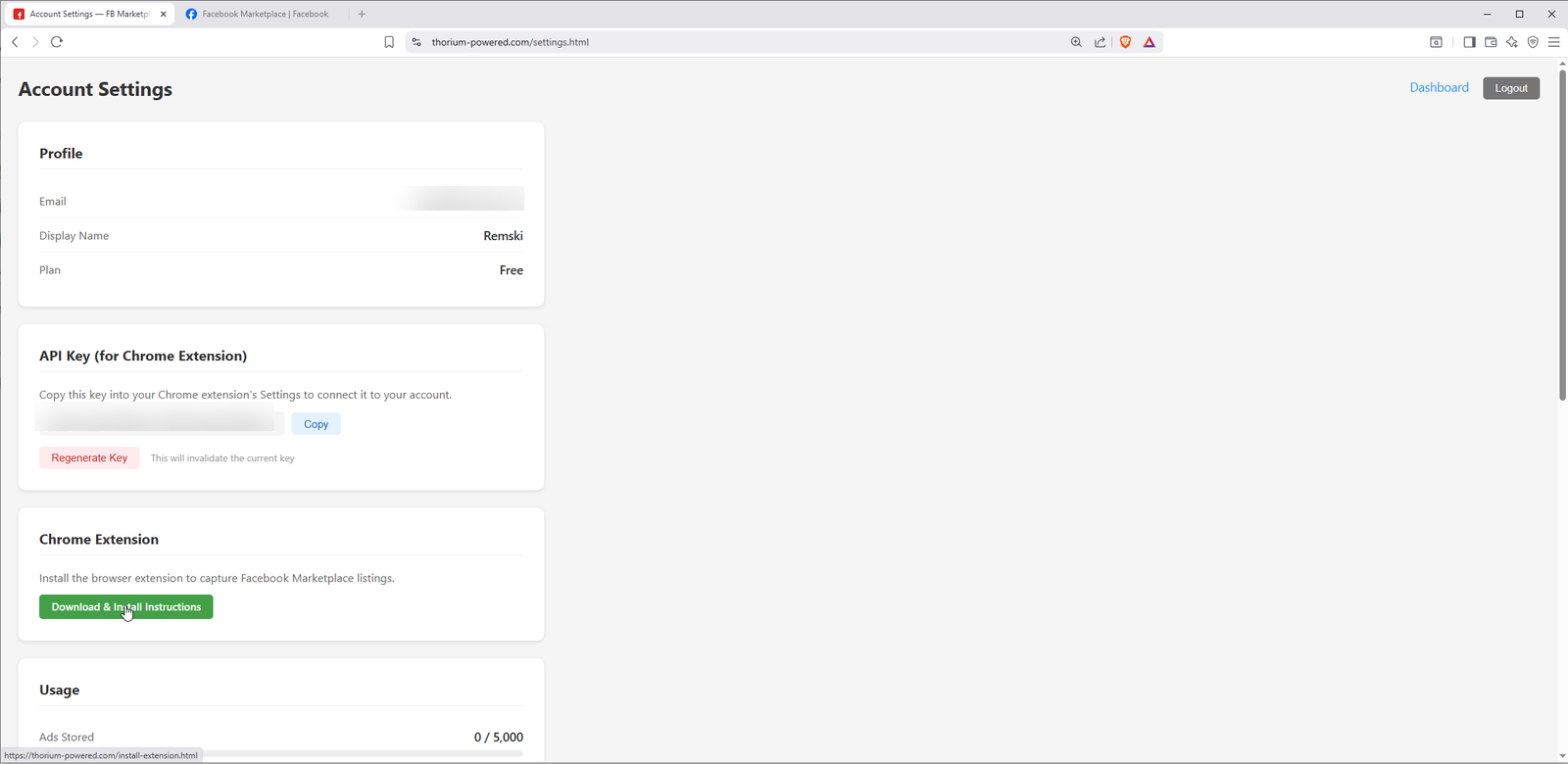
Log in and click Settings in the top-right corner. Scroll down to the Chrome Extension section and click Download & Install Instructions.
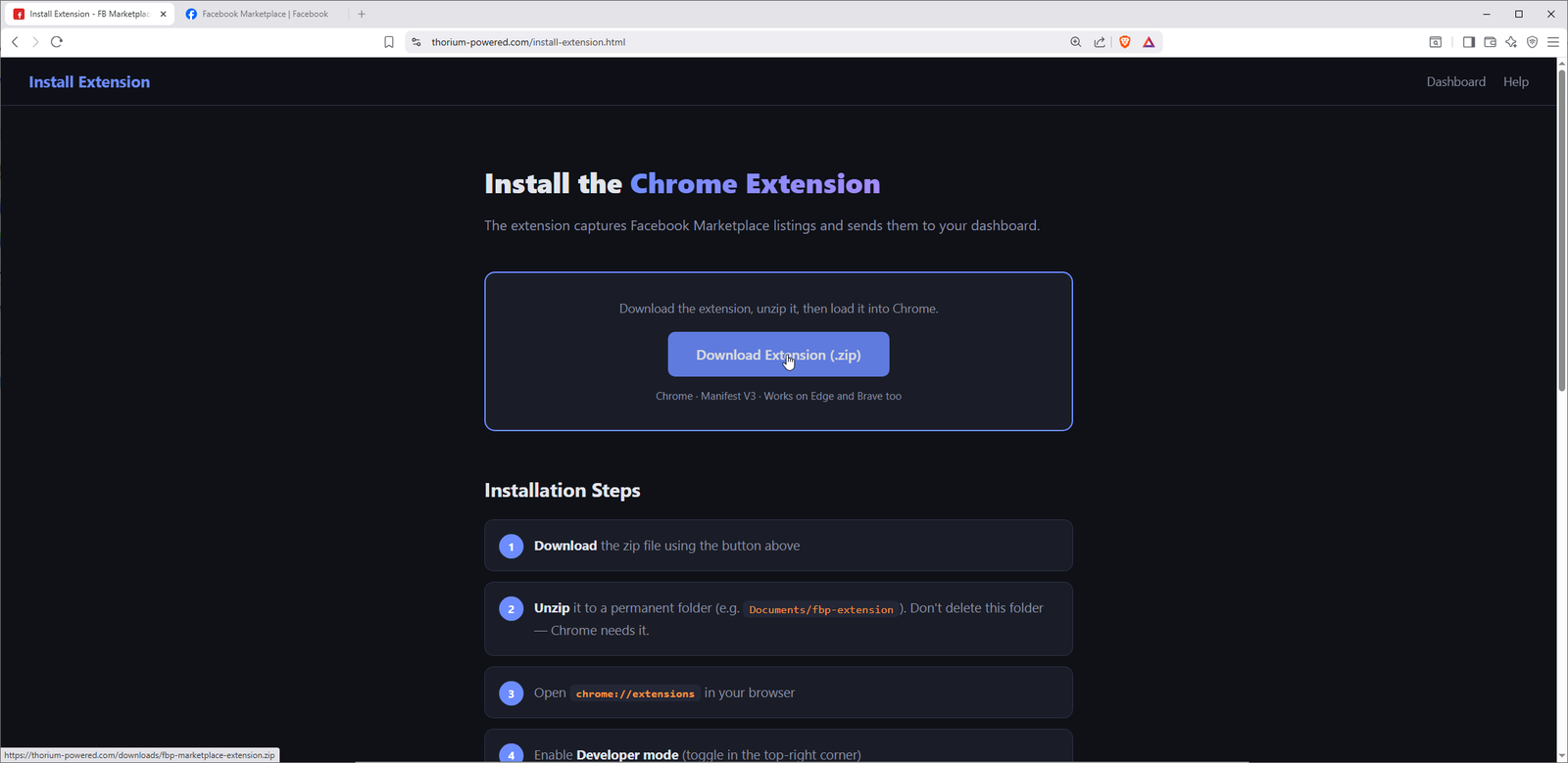
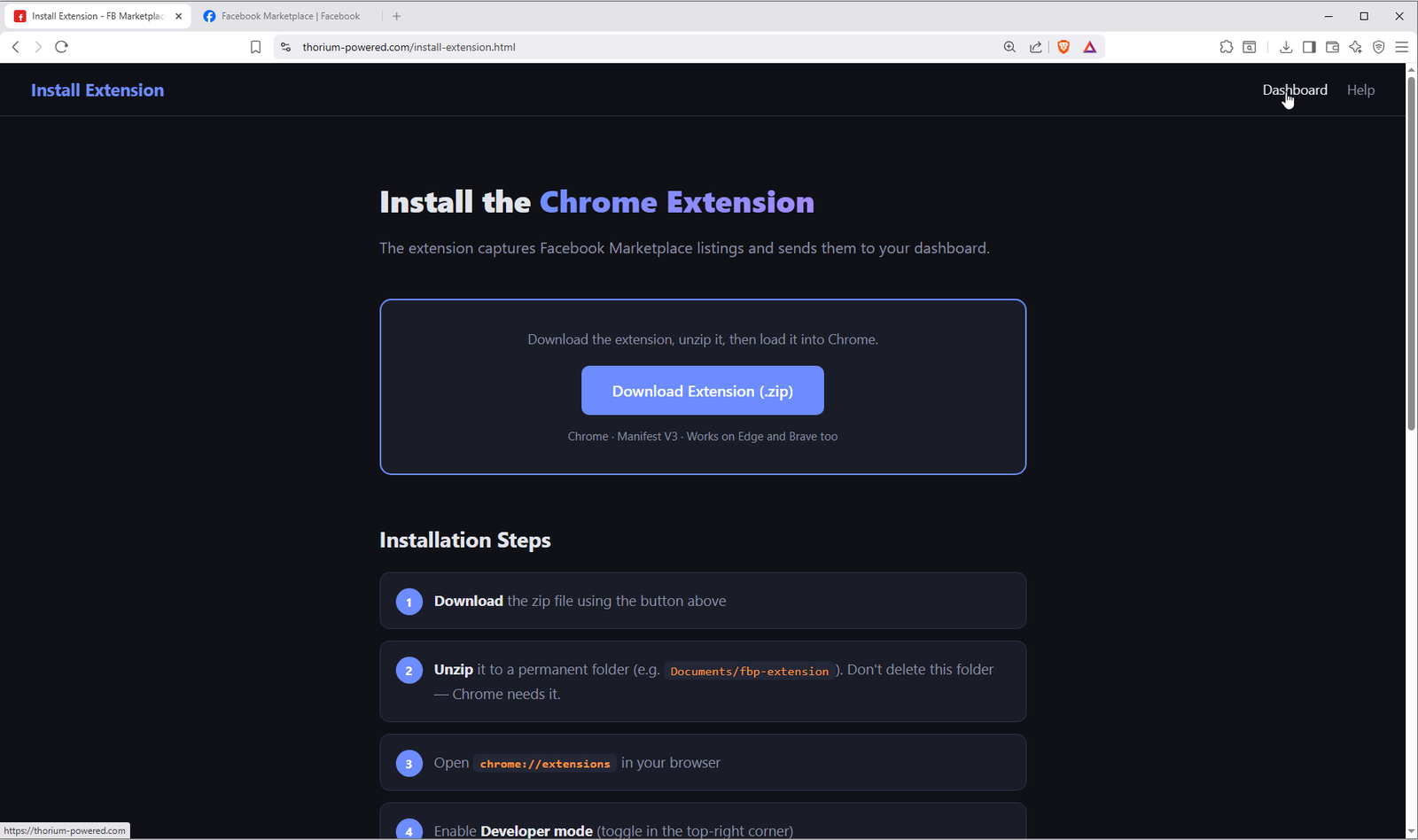
On the Install Extension page, click the big download button. This gives you a zip file containing the browser extension.
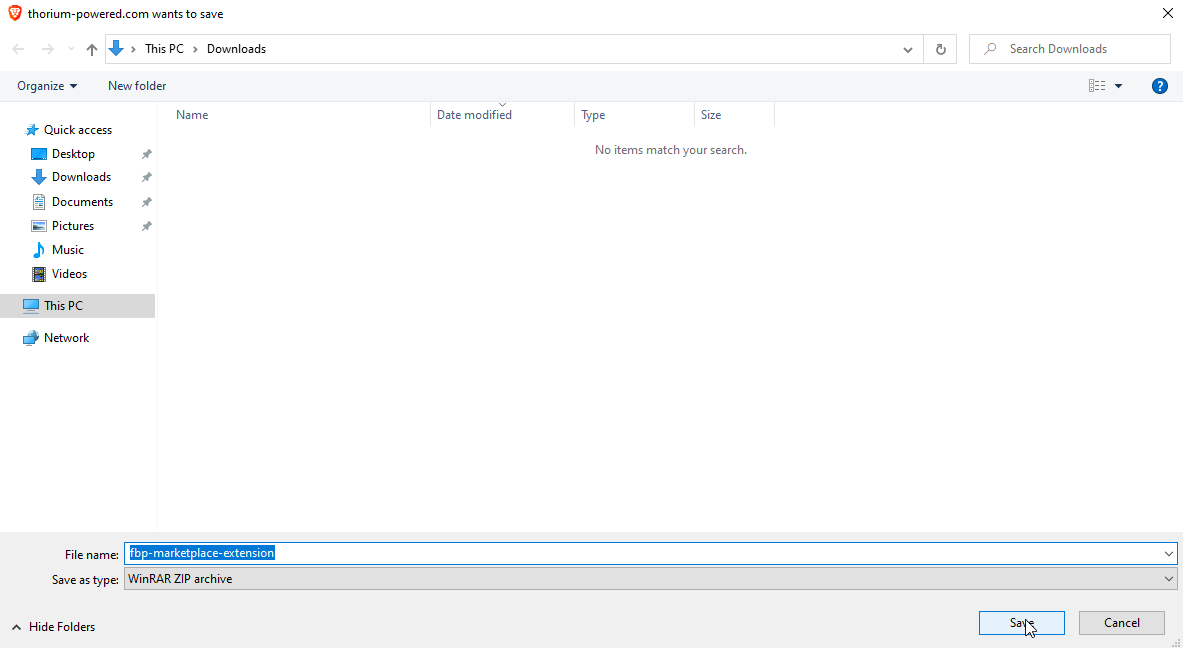
Save fbp-marketplace-extension.zip to your Downloads folder (or wherever you prefer).
Part 2 — Extract the Zip File
Unzip the extension to a permanent folder. Don't delete it — the browser loads it from there.
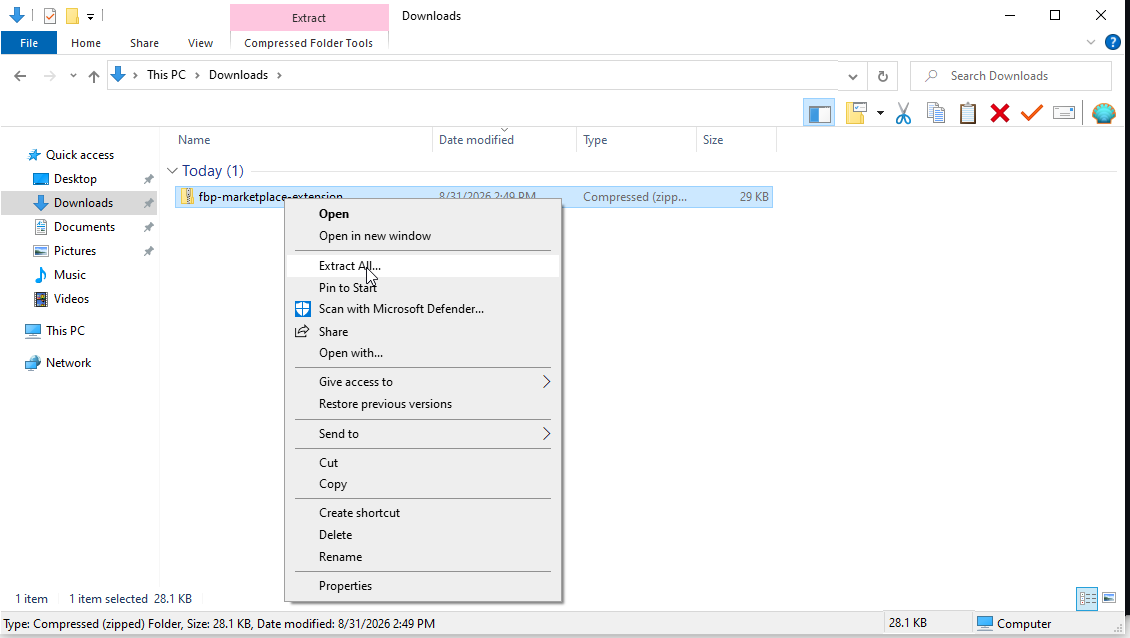
Open your Downloads folder, right-click the fbp-marketplace-extension.zip file, and select Extract All...
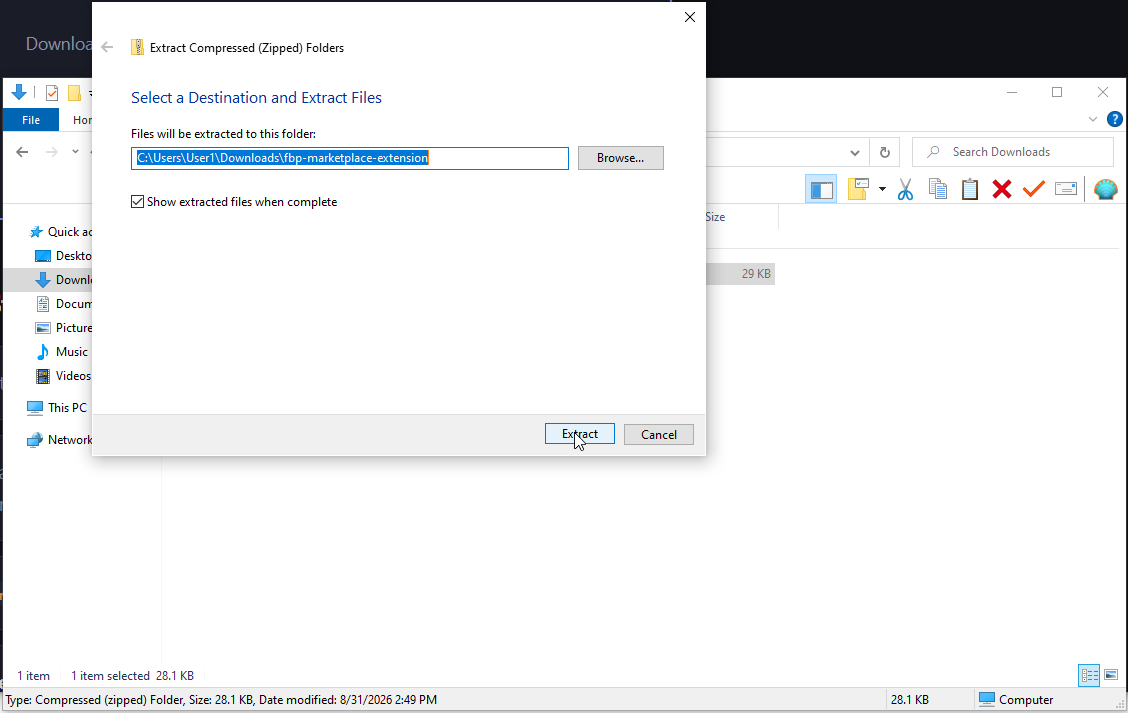
The default location (your Downloads folder) is fine. Click Extract.
You should see a fbp-marketplace-extension folder containing files like manifest.json, background.js, popup.html, etc.
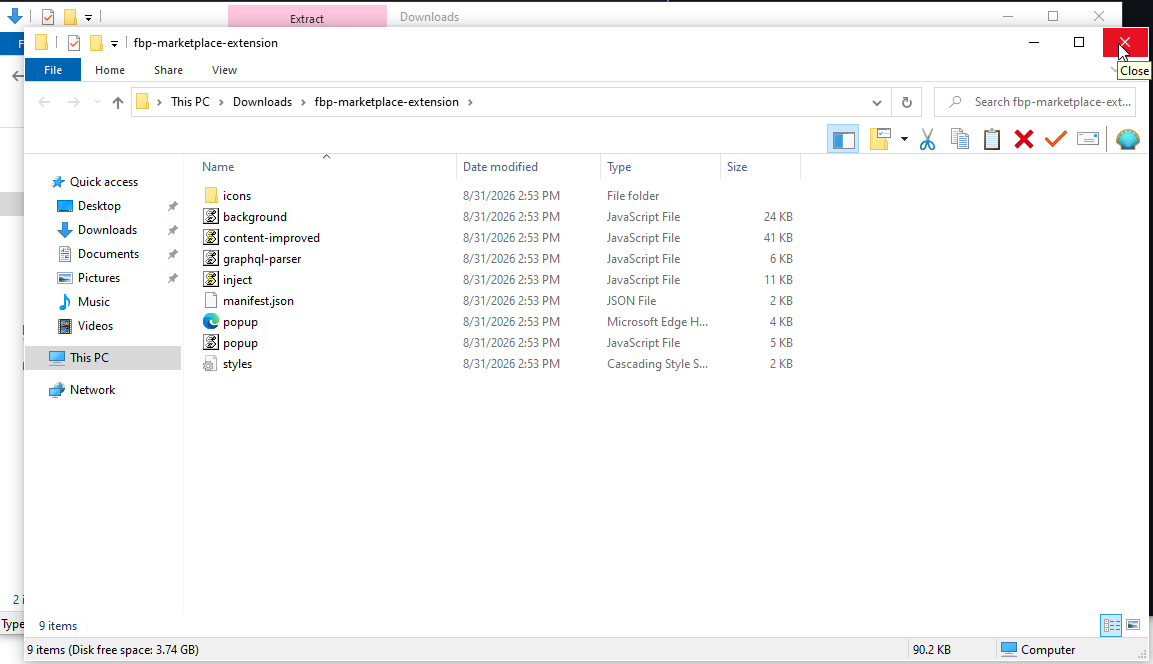
Documents if you want to clean up Downloads.Part 3 — Load the Extension in Your Browser
Works in Chrome, Brave, and Edge. The screenshots below show Brave, but the steps are the same.
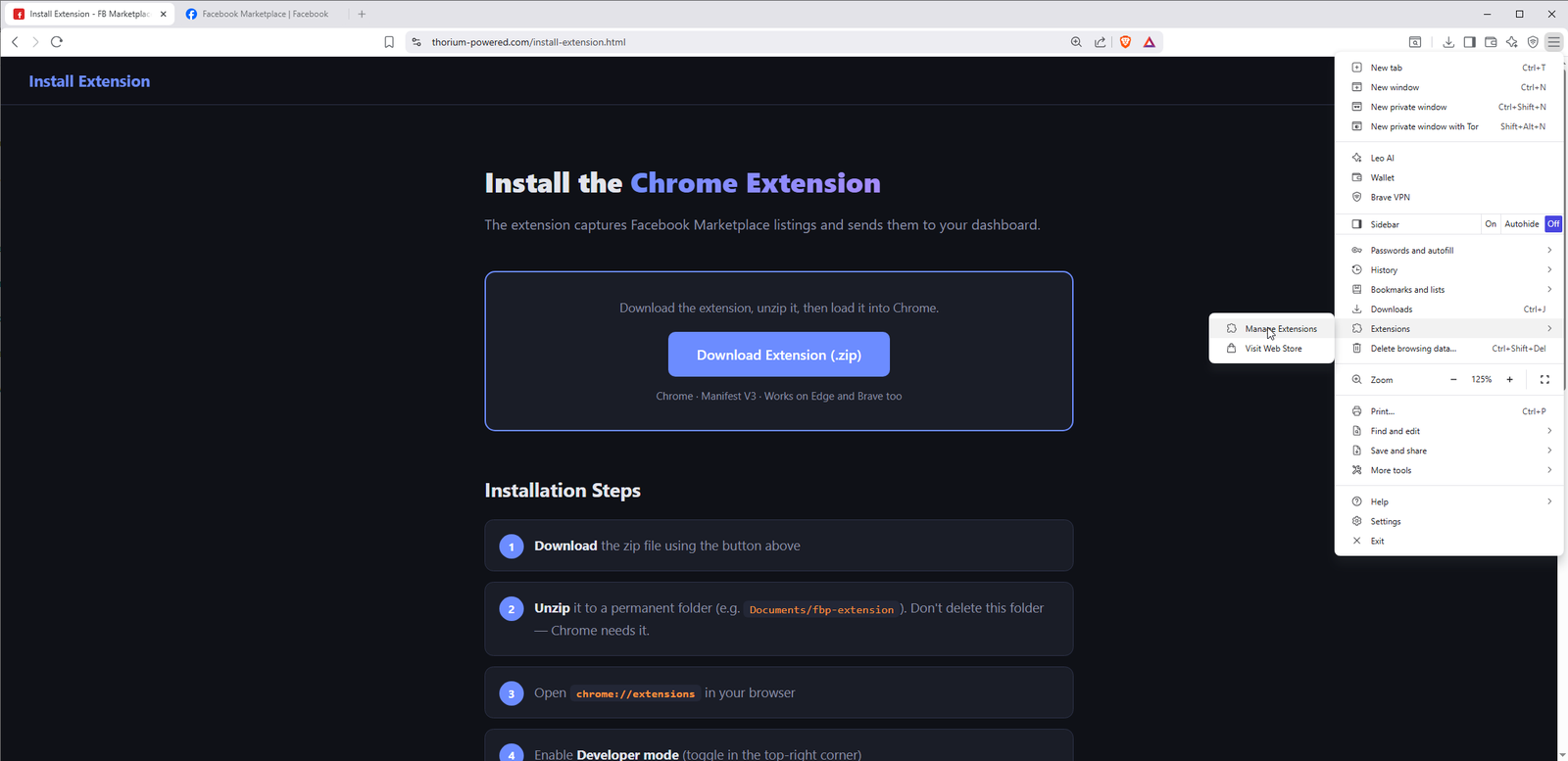
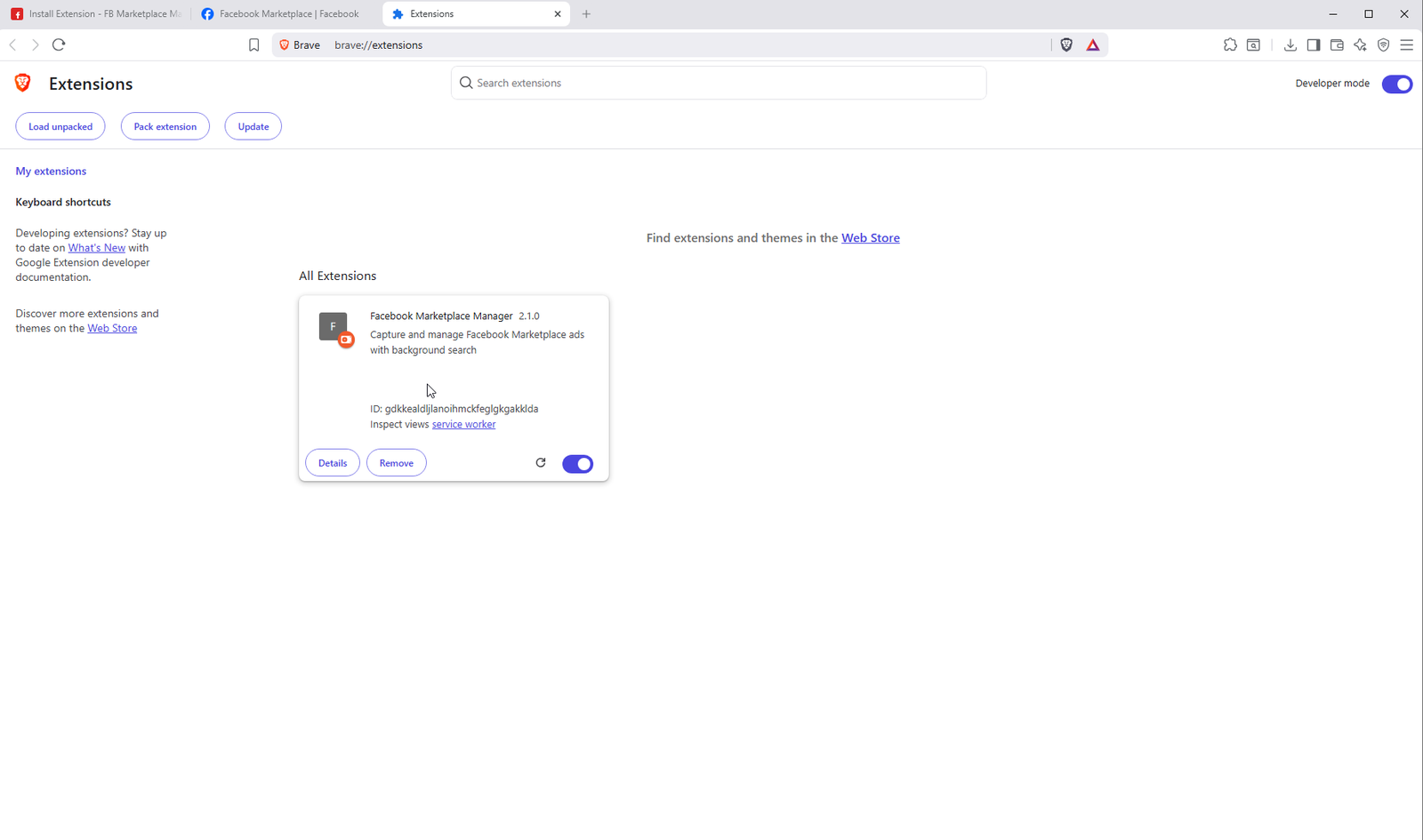
Click the browser menu (three lines or dots in the top-right) → Extensions → Manage Extensions. Or type chrome://extensions in the address bar.
Toggle the Developer mode switch in the top-right corner of the Extensions page. This reveals the "Load unpacked" button.
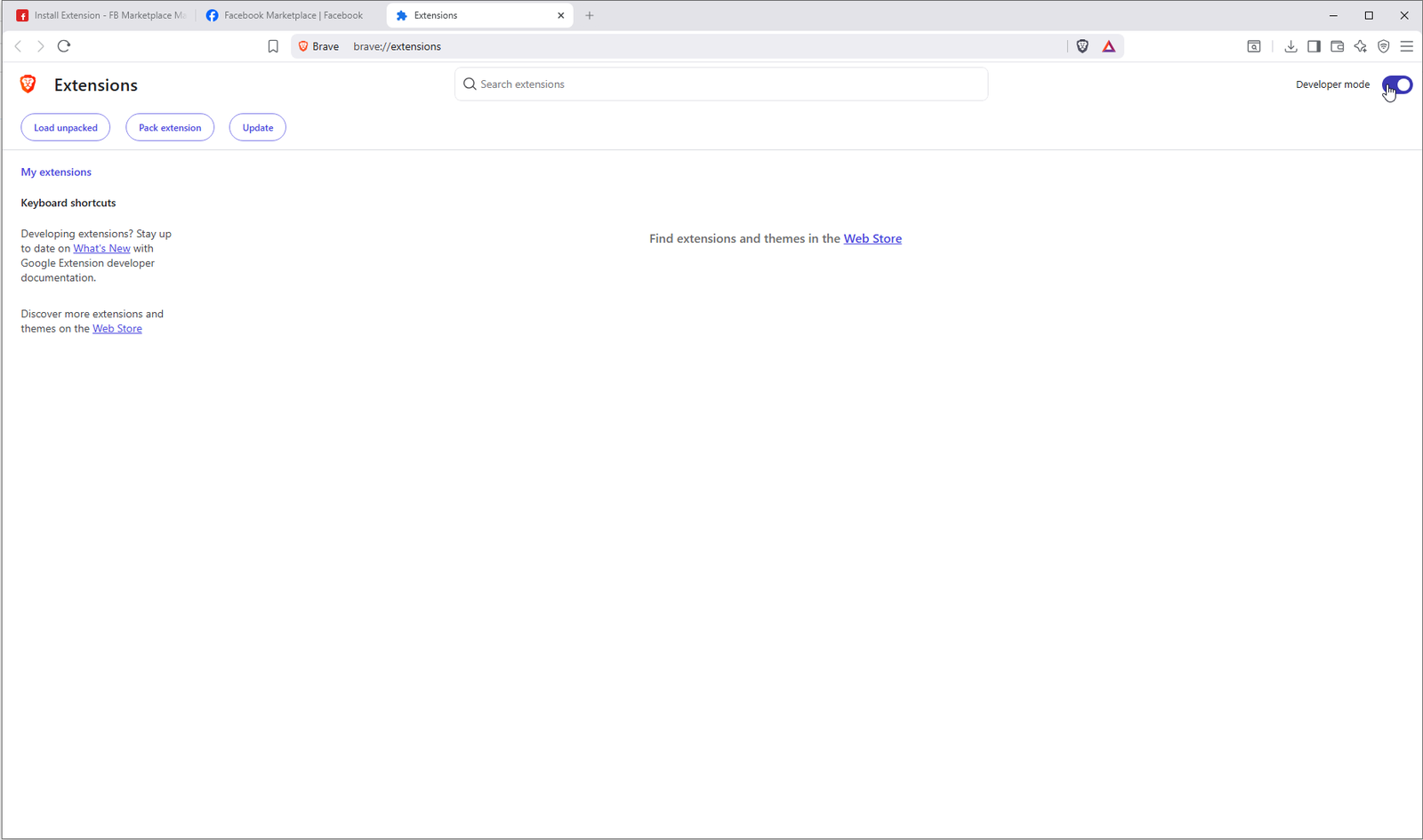
Click the Load unpacked button that appeared in the top-left.
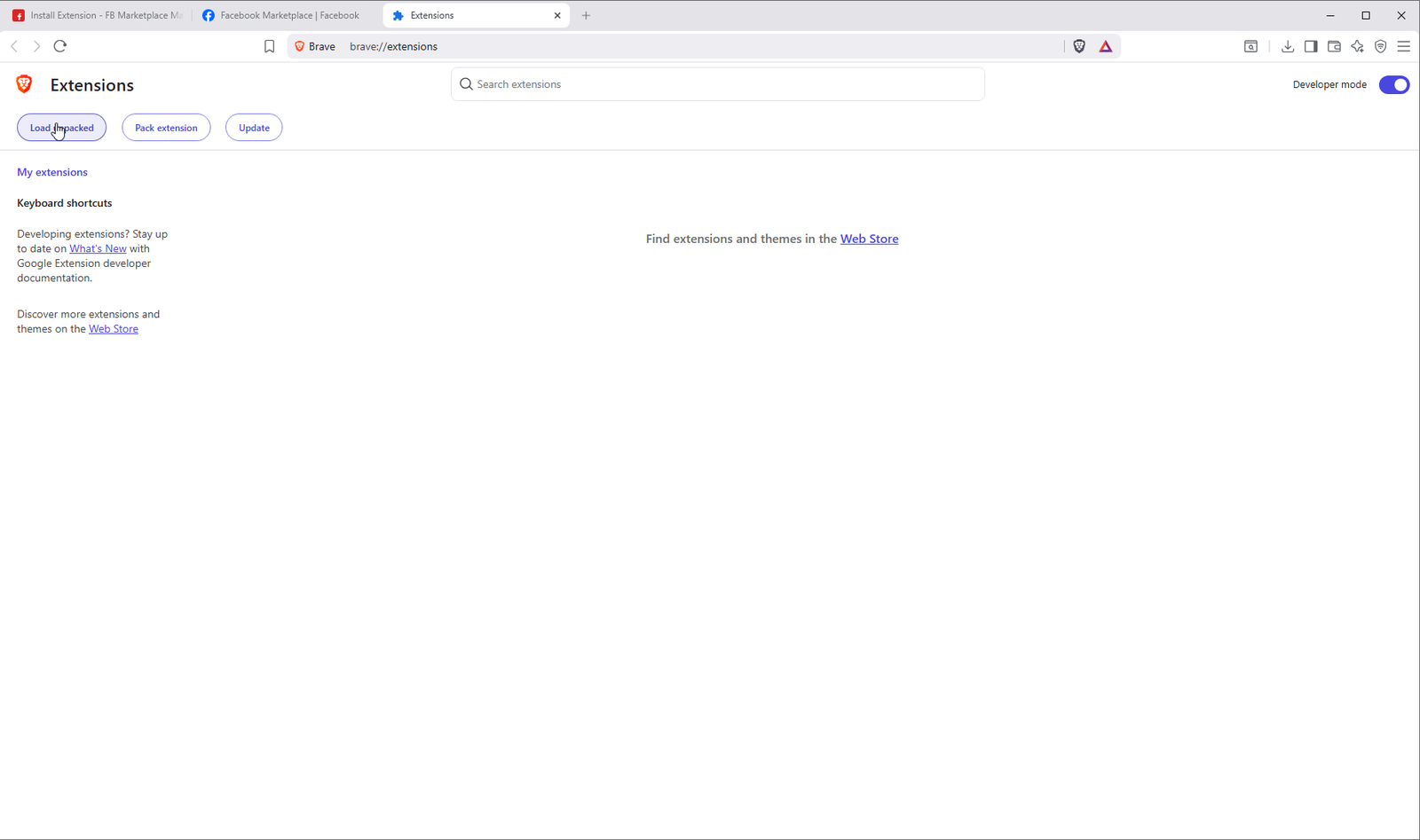
In the folder picker, navigate to Downloads and open the fbp-marketplace-extension folder.
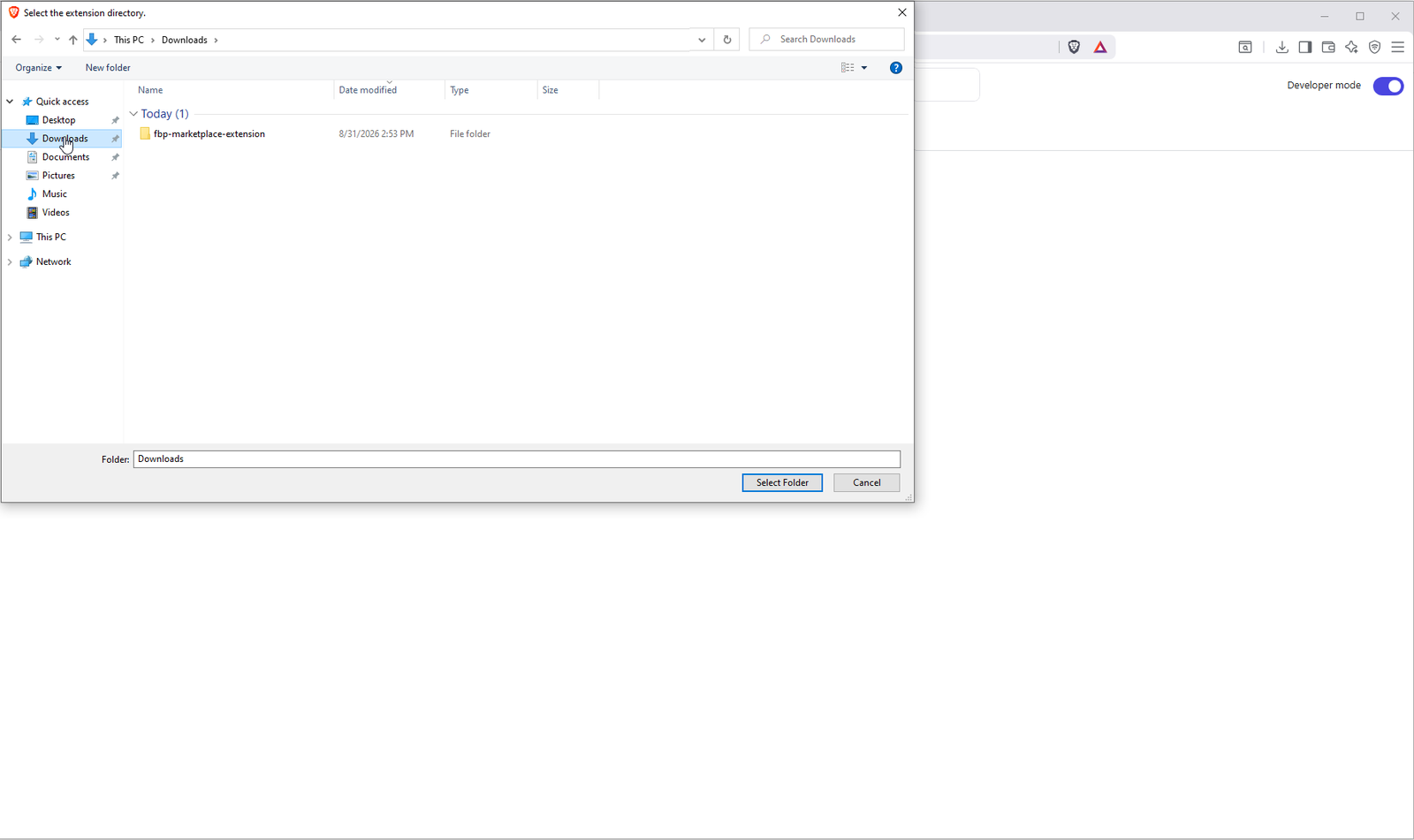
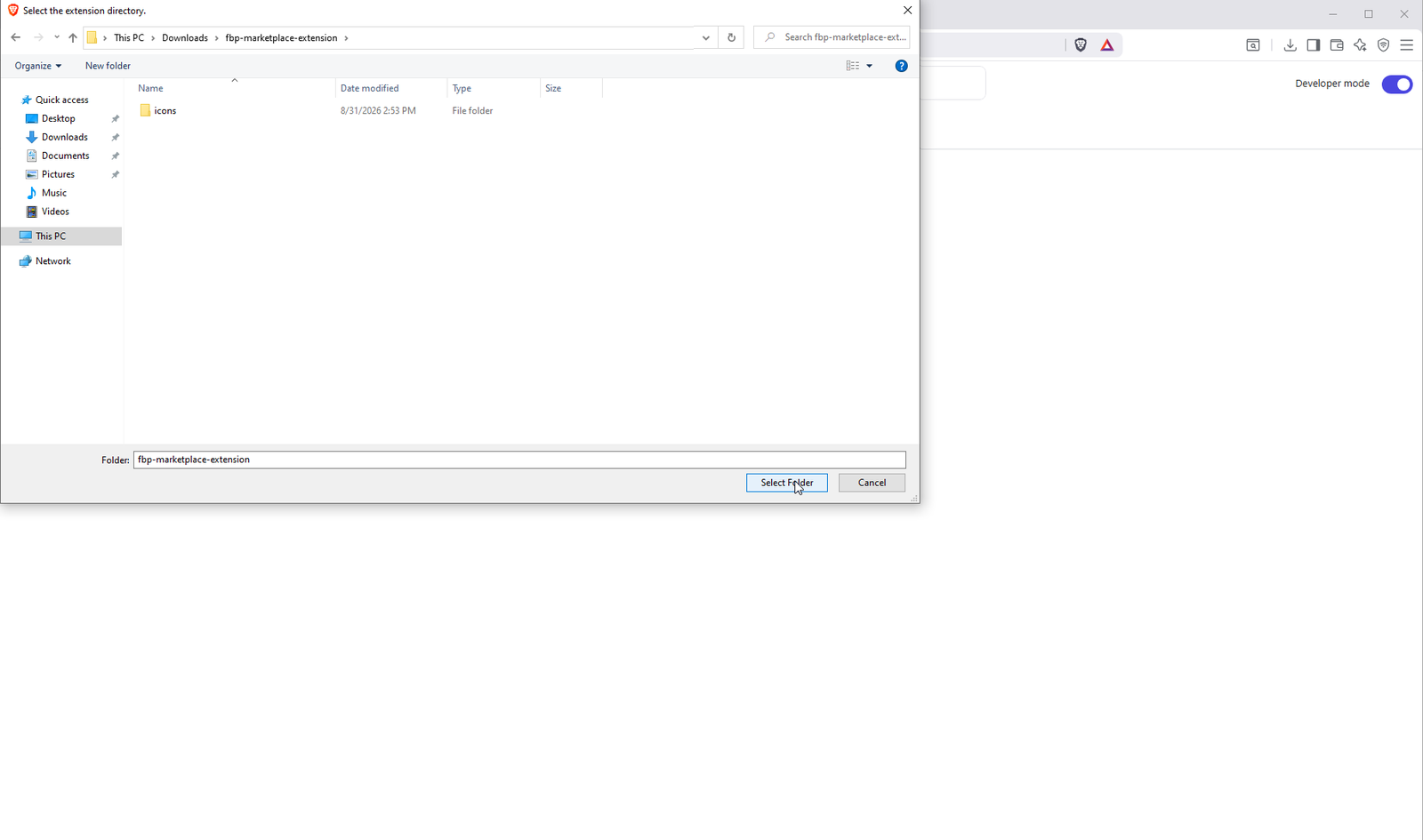
Make sure you're inside the fbp-marketplace-extension folder (you should see an icons subfolder). Click Select Folder.
The extension appears on the Extensions page. You'll see Facebook Marketplace Manager with its ID and an enabled toggle.
Part 4 — Connect the Extension to Your Account
Copy your API key from the dashboard and paste it into the extension popup.
Click Dashboard in the top-right of the Install Extension page. This is the main page where your captured ads will appear.
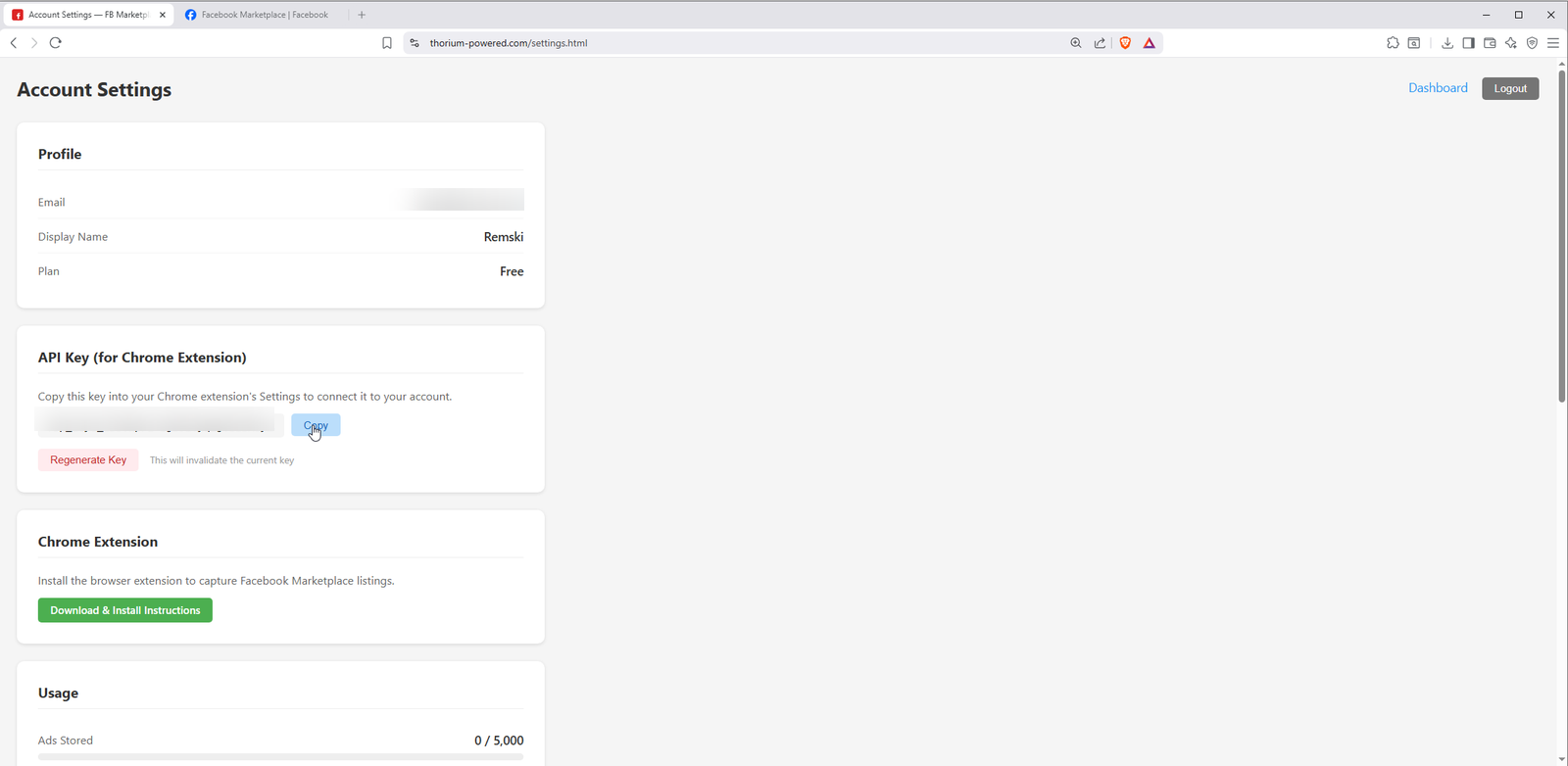
On the dashboard, click Settings in the top-right. On the Settings page, find the API Key section and click Copy.
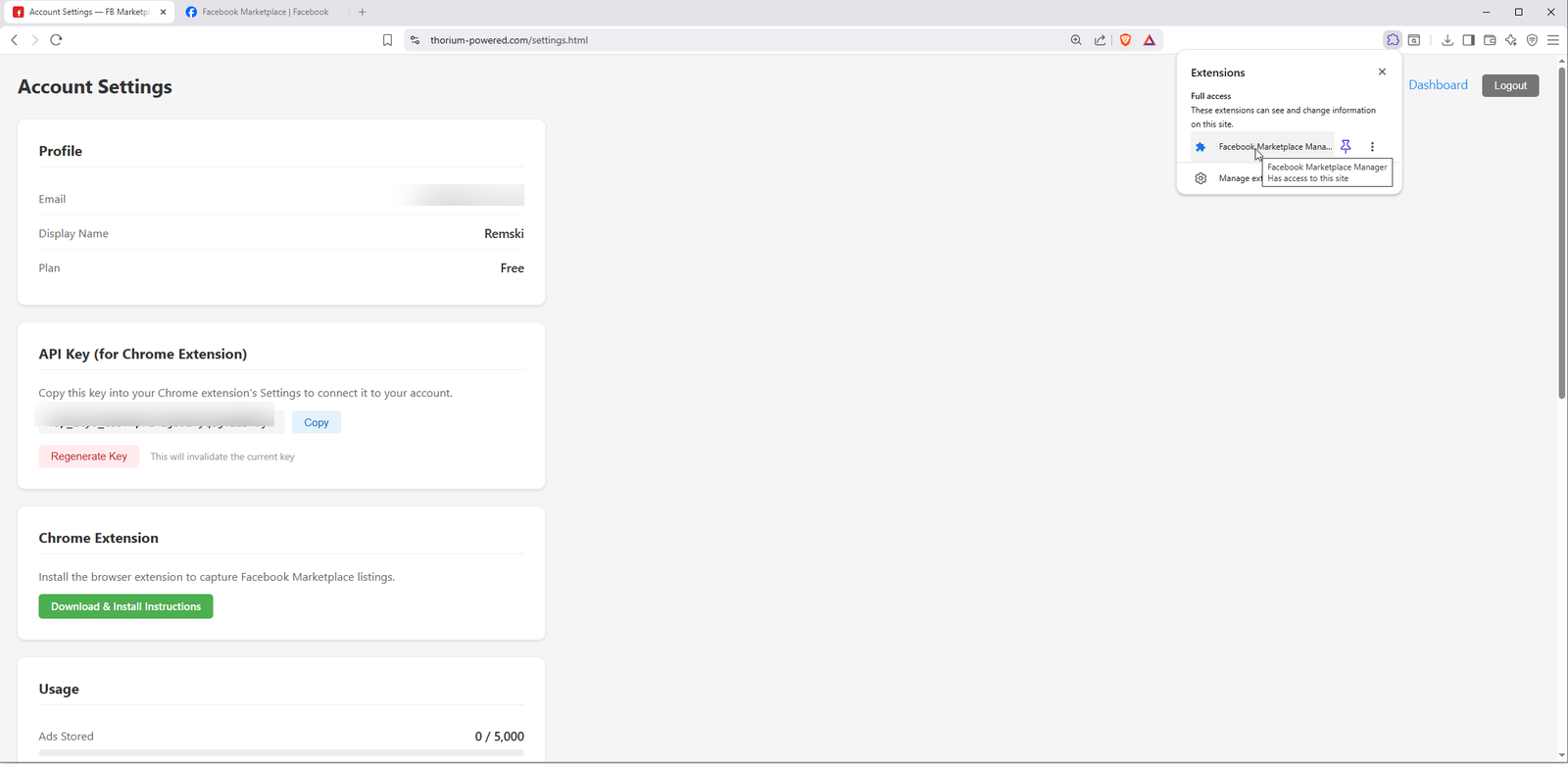
Click the extension icon in your browser toolbar (puzzle piece icon, then click Facebook Marketplace Manager). The popup opens showing the settings panel.
Right-click the API Key field in the extension popup and choose Paste (or press Ctrl+V).
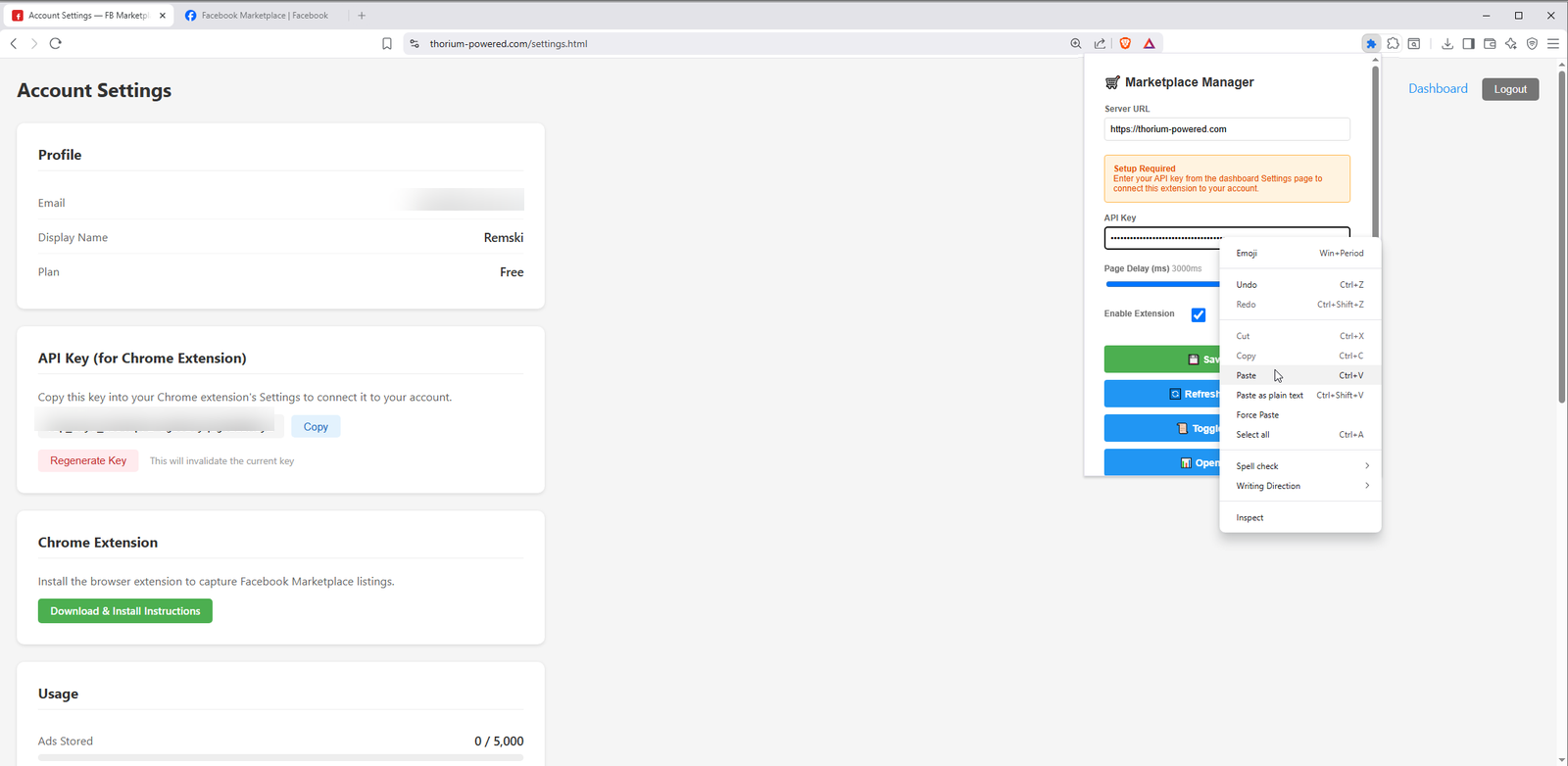
Verify the Server URL is correct, make sure Enable Extension is checked, then click Save Settings.